
How players join (QR, code, no app)
Players scan the QR code or type the 6-letter code — in their phone’s browser, with no app and no account.
-
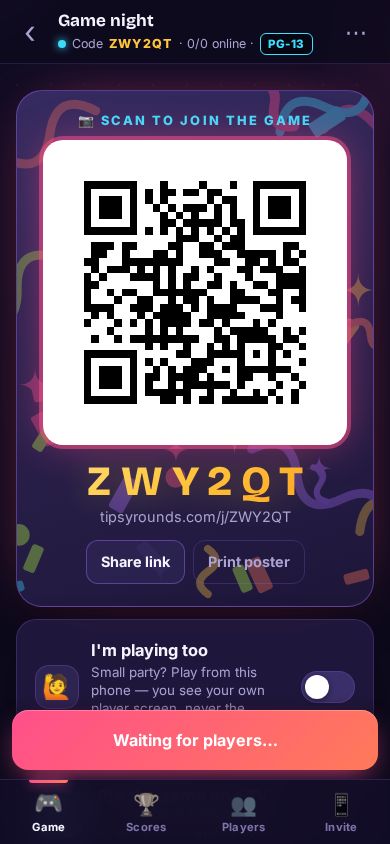
Step 1: Scan the QR code
Point the phone camera at the QR code on the host’s screen, the TV or a printed poster, and tap the link that pops up.
-
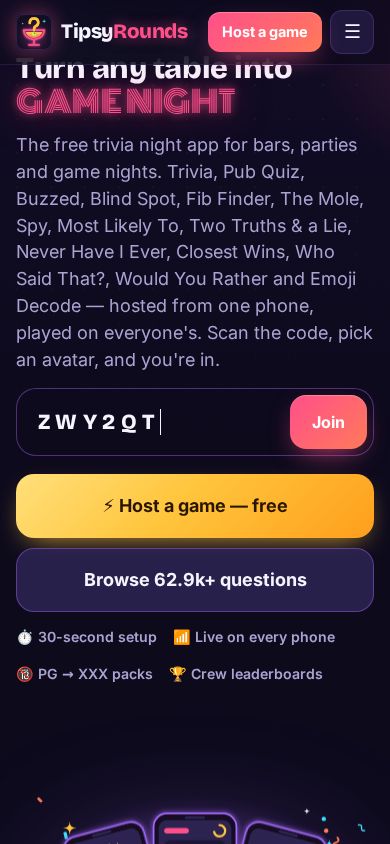
Step 2: Or type the code
No camera? Go to tipsyrounds.com, type the 6-letter code into GAME CODE and tap Join.
-
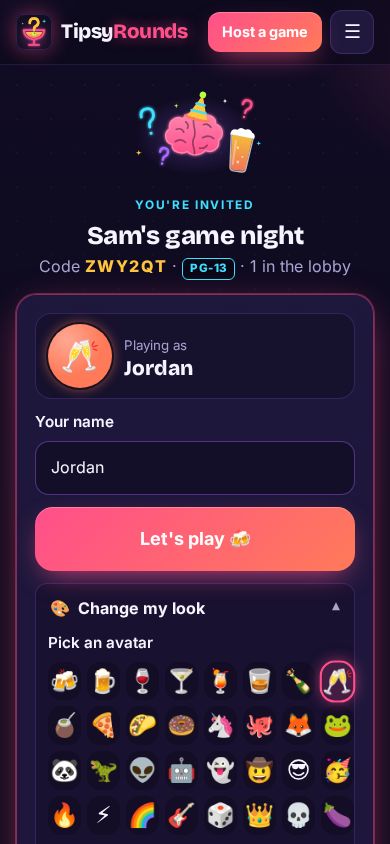
Step 3: Pick a name and avatar
Type a name (2 to 24 characters) and tap an avatar and a glow color. That’s how you show up on everyone’s screen.
-
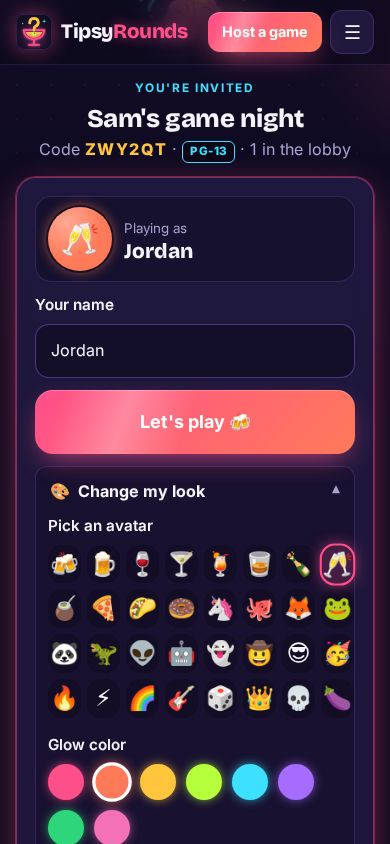
Step 4: Tap Let’s play
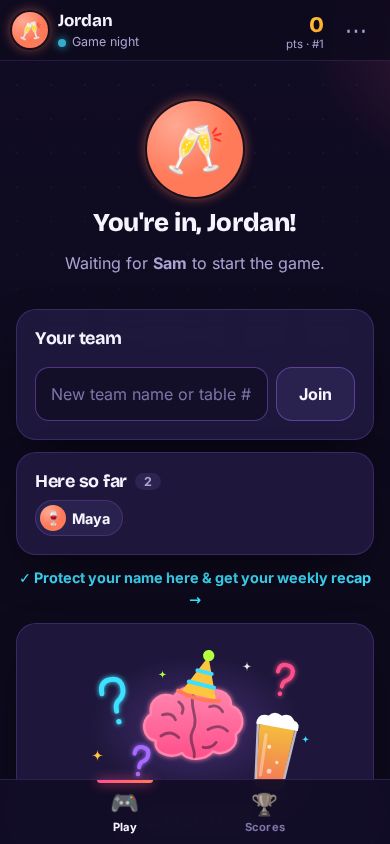
Playing at a table? Type your table number as the team first. Then tap Let’s play 🍻.
-
Step 5: Wait for the host
You’re in the lobby. The first question appears on your phone as soon as the host taps Start.
Good to know
- Your phone remembers you: open the same link again and you’re straight back in, with your points.
- Some nights ask for more: a 4-digit Room PIN from the host’s screen, a quick location check (Nearby only), or the host lets you in by hand.
- Games rated R and up ask everyone to confirm they’re 18 or older.
Still stuck? Contact us — a real person reads every message. · All help articles