
Host your first game night
From the home page to the first question in about a minute — no app, and no signup for your first games.
-
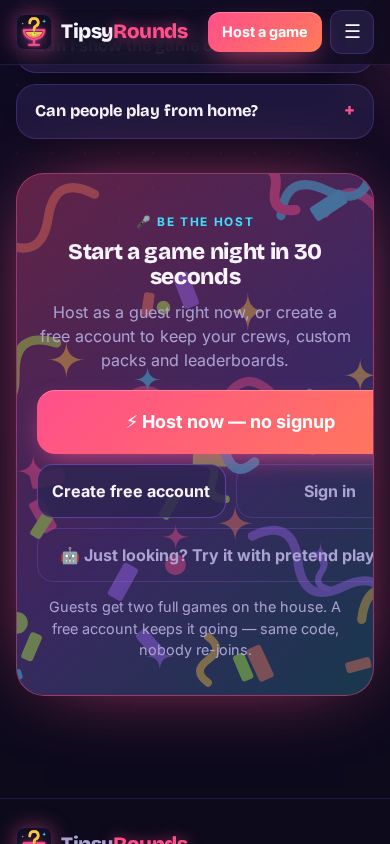
Step 1: Tap Host now
On tipsyrounds.com tap ⚡ Host a game — free, then ⚡ Host now — no signup. As a guest you can host two full games; a free account keeps going with no limit on games.
-
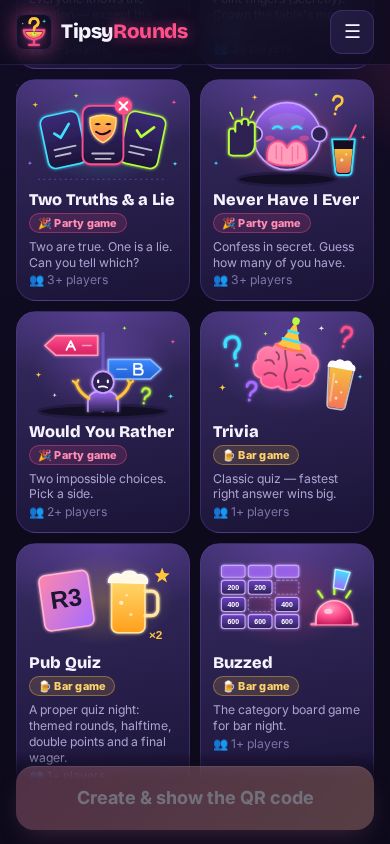
Step 2: Pick a game
Under Pick your games, tap Trivia (or any other game). Queue several and they run back-to-back with one running scoreboard — you can add or switch games mid-night too.
-
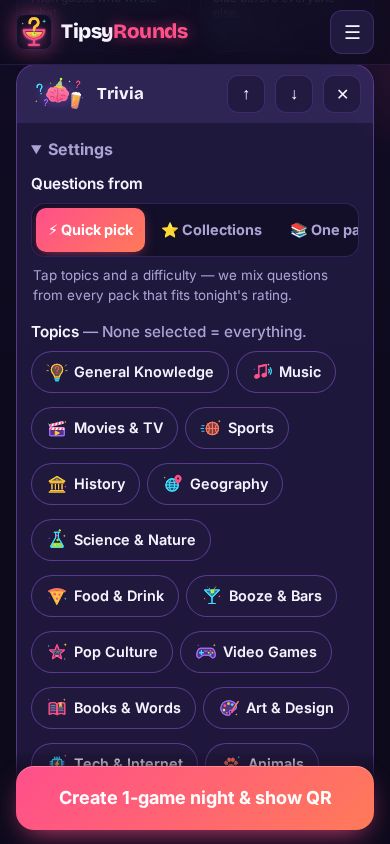
Step 3: Choose the questions
Questions from ⚡ Quick pick mixes questions from every pack that fits tonight’s rating. Tap a few topics, or leave them all off for everything.
-
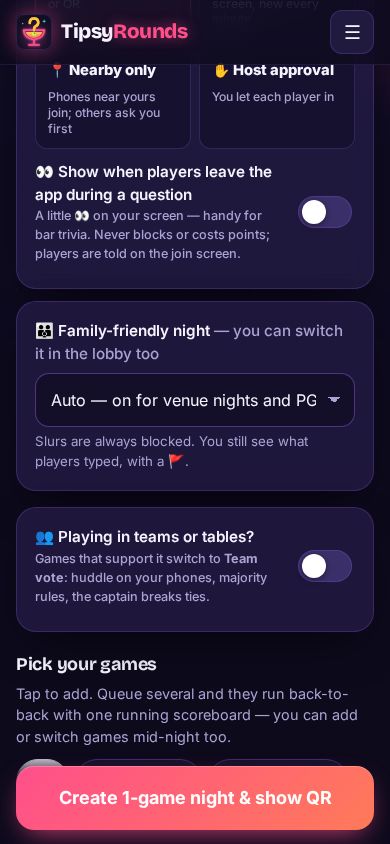
Step 4: Create the night
Tap the big button at the bottom (Create … & show QR). Your host screen opens with a QR code and a 6-letter game code.
-
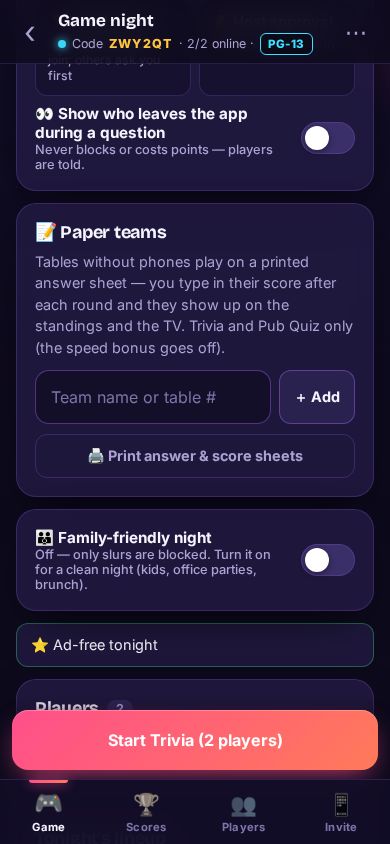
Step 5: Start when everyone’s in
Players scan the QR with their phone camera and show up on your screen. Tap Start when the room is ready — late arrivals can still scan in mid-game.
-
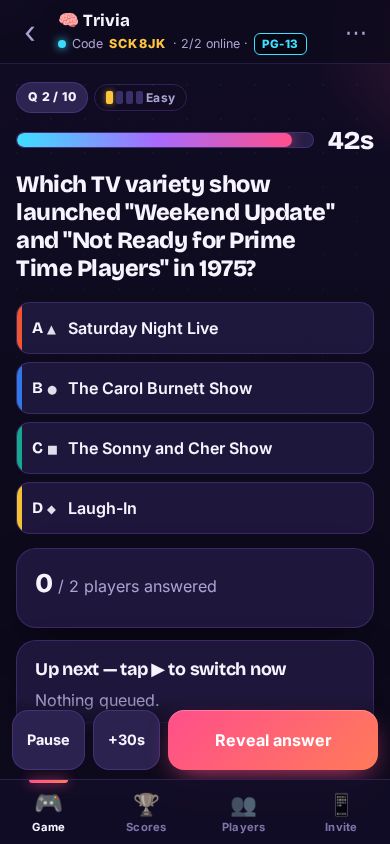
Step 6: Reveal, then next
Each question shows on every phone with a timer. Tap Reveal answer when you’re ready, then Next question. Pause and +30s sit right beside it.
Tips
- Hand the controls to a player from the Players tab (Make host), and take them back any time.
- The ⋯ menu has the printable QR poster, Add or switch games, the results page and End session.
- Want a big screen? See Put the game on a TV — never mirror your host phone, it shows the answers.
Still stuck? Contact us — a real person reads every message. · All help articles