
Sound on the TV
The TV plays short cues for joins, the countdown and the reveal. Some TV browsers need one press first.
-
Step 1: Press OK once if asked
If a note says 🔊 Press OK or click for sound, press OK on the remote (or click once). Browsers only allow sound after a first press; the note goes away by itself.
📺 TV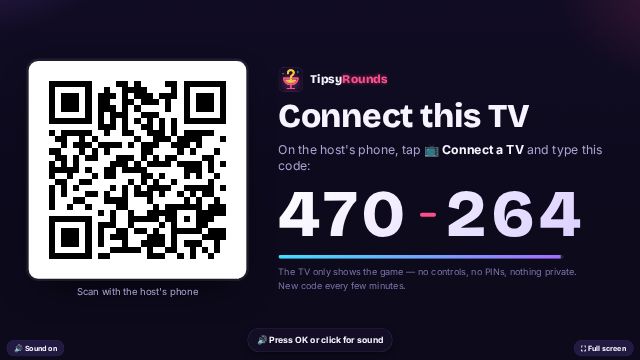
-
Step 2: Check the sound switch
The 🔊 Sound on / 🔇 Sound off switch shows in the corner for a few seconds at start and whenever the pointer moves.
📺 TV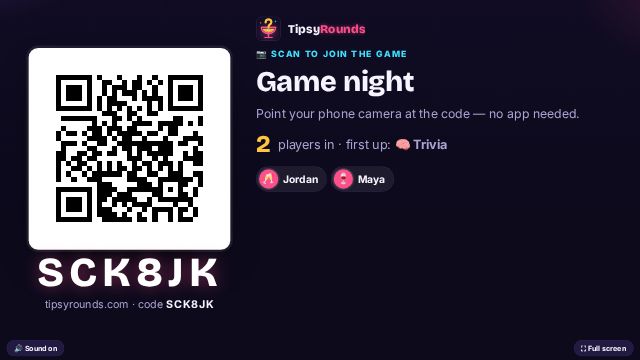
-
Step 3: Turn up the TV itself
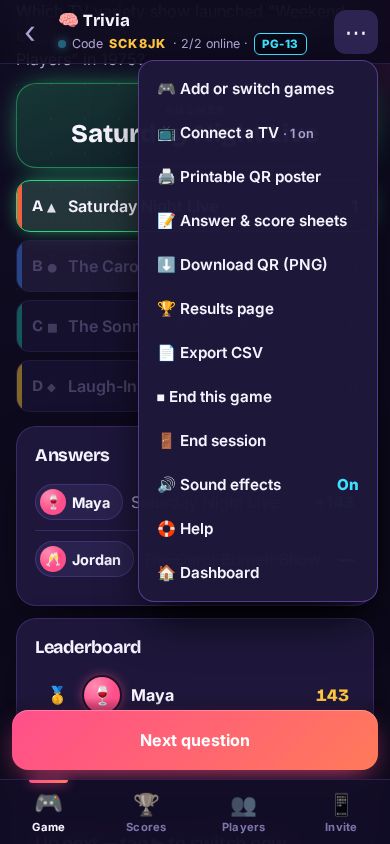
A web page can’t see the TV’s own volume or mute — use the remote. Your host phone has its own Sound effects switch in ⋯; players’ phones start with sound off.
What you’ll hear
- A ping when someone joins, ticks in the last 5 seconds, a sound at the reveal and a fanfare for the winner.
- On a Chromecast sound usually just works — no note, no press.
Still stuck? Contact us — a real person reads every message. · All help articles