
Smart TV or laptop by HDMI
Open tipsyrounds.com/tv on the TV, type its code on your host phone, and the TV follows the night.
-
Step 1: Open tipsyrounds.com/tv on the TV
Use the smart TV’s web browser, or a laptop plugged into the TV by HDMI. It shows a 6-digit code (and a QR) — a new one every few minutes.
📺 TV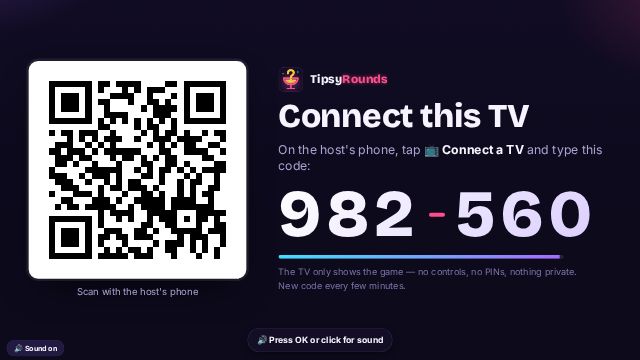
-
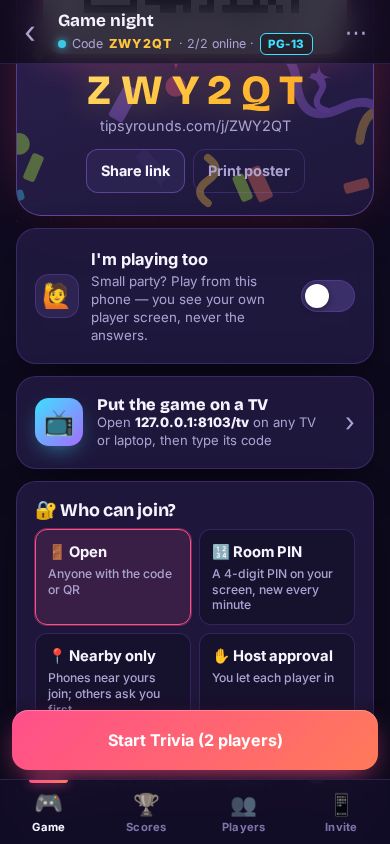
Step 2: Tap Put the game on a TV
On the host phone’s Game tab, tap 📺 Put the game on a TV (or ⋯ → 📺 Connect a TV).
-
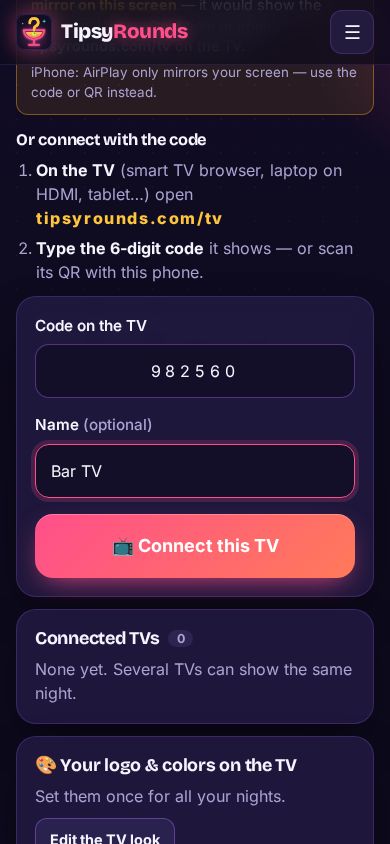
Step 3: Type the code
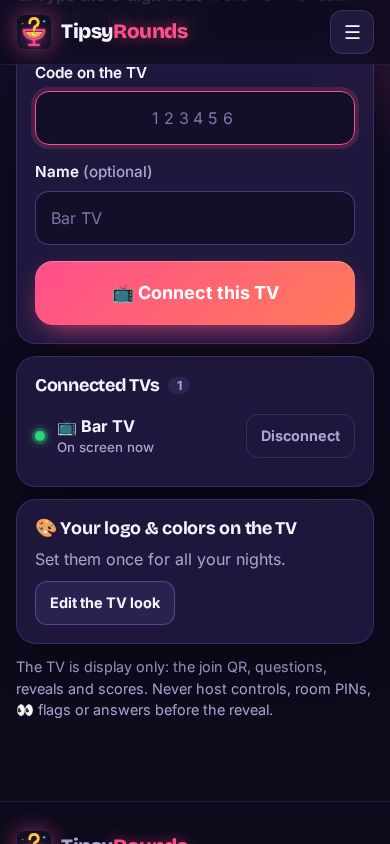
Type the code from the TV, give it a name if you like (“Bar TV”), and tap 📺 Connect this TV.
-
Step 4: The TV picks up the night
Within a few seconds the TV shows the join QR and the players, then each question as you go.
📺 TV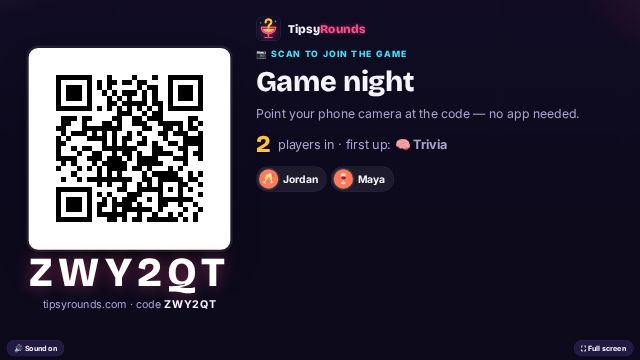
-
Step 5: Check it’s connected
Back on your phone, Connected TVs shows each screen with a green dot when it’s on. Disconnect sends it back to a pairing code.
Tips
- On a laptop, click ⛶ Full screen in the bottom corner of the TV page.
- Or scan the TV’s QR with your host phone and pick which night it shows.
- The TV page keeps the screen awake while it’s open.
Still stuck? Contact us — a real person reads every message. · All help articles