
Set up your venue
A venue page, a permanent table QR and table tents, a TV that follows every night, and no repeat questions.
-
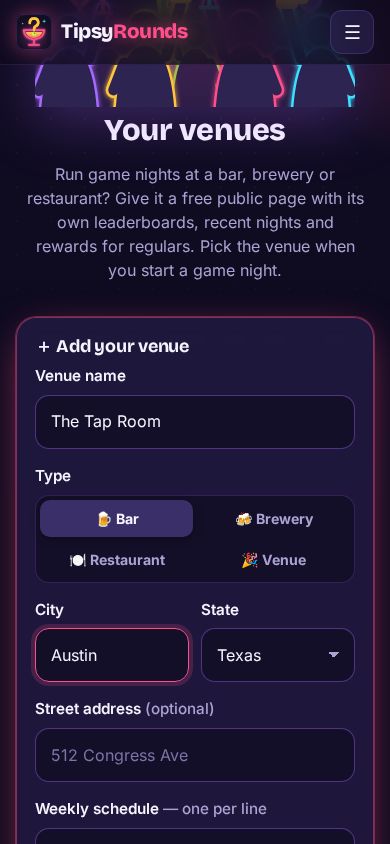
Step 1: Add your venue
From the menu open 📍 My venues, type the name, pick the type (bar, brewery, restaurant, venue) and the city, then Create venue page.
-
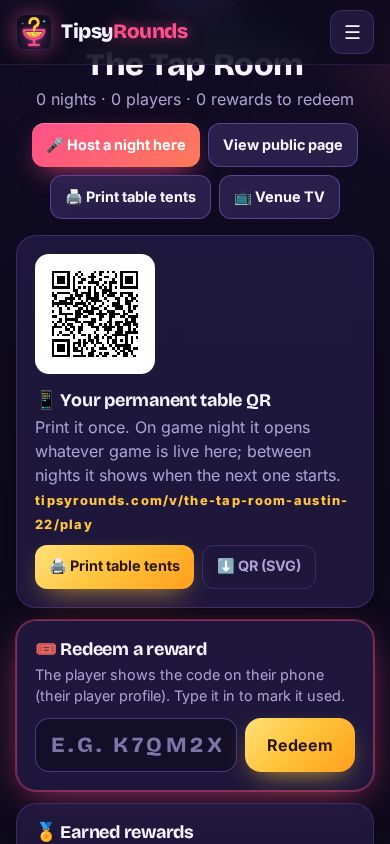
Step 2: Print the table QR and tents
The permanent table QR opens whatever game is live at the venue, and shows when the next one starts in between. 🖨️ Print table tents once. It’s the Venue / Unlimited plan extra.
-
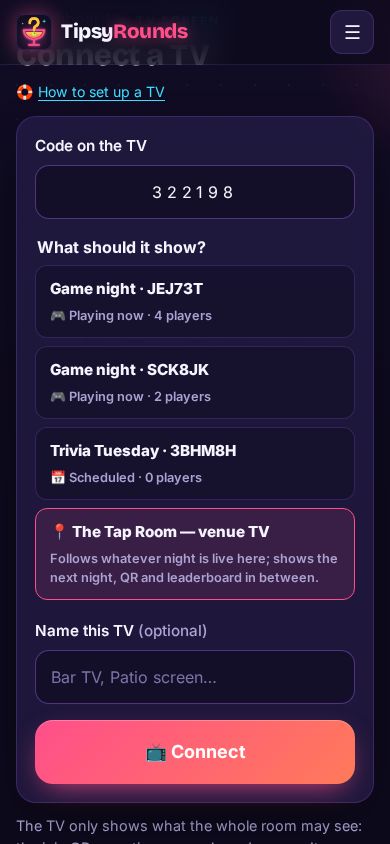
Step 3: Link a venue TV
Open tipsyrounds.com/tv on the bar TV, scan its QR with your phone and pick 📍 … — venue TV. It follows every night there and shows the next night in between (the Venue / Unlimited plan).
-
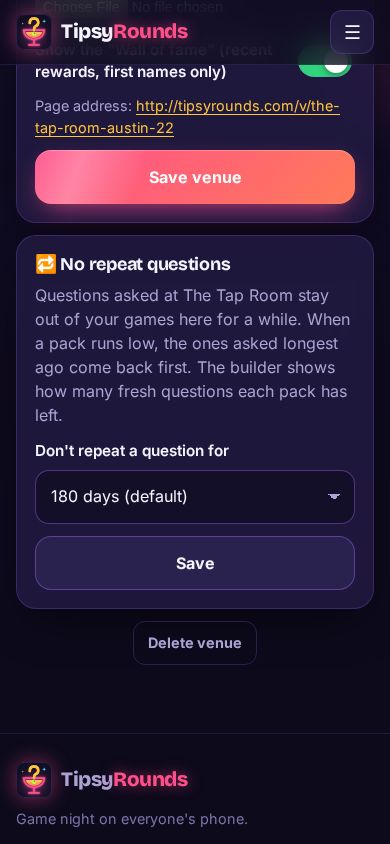
Step 4: No repeat questions
On the venue page, 🔁 No repeat questions keeps questions asked there out of your games for 30 days up to never. Free for everyone.
-
Step 5: Host a night there
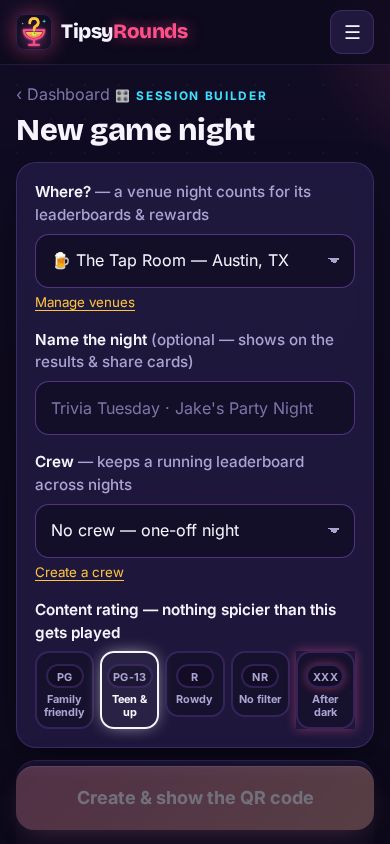
In the builder, pick the venue under Where? — the night counts for its leaderboards and rewards.
Tips
- Schedule the weekly night ahead and print its poster — see Schedule a night and share it.
- Rewards for regulars (every 5th visit, winners…) come with the Venue / Unlimited plan.
Still stuck? Contact us — a real person reads every message. · All help articles